Minecraft Patch APK
Minecraft Patched APK is a modified version that may offer gameplay settings, additional options, and a different experience.
Minecraft Patch APK
Finding information about a particular Minecraft APK version can sometimes be difficult when a normal web search produces unrelated pages. Minecraft Patch APK is a keyword used by Android users looking for information about Minecraft APK versions, patches, updates, and related installation details.
Minecraft is a sandbox game that allows players to explore, build, and create in different environments. Android users may search for Minecraft Patch APK when looking for information about a particular patched or updated APK version.
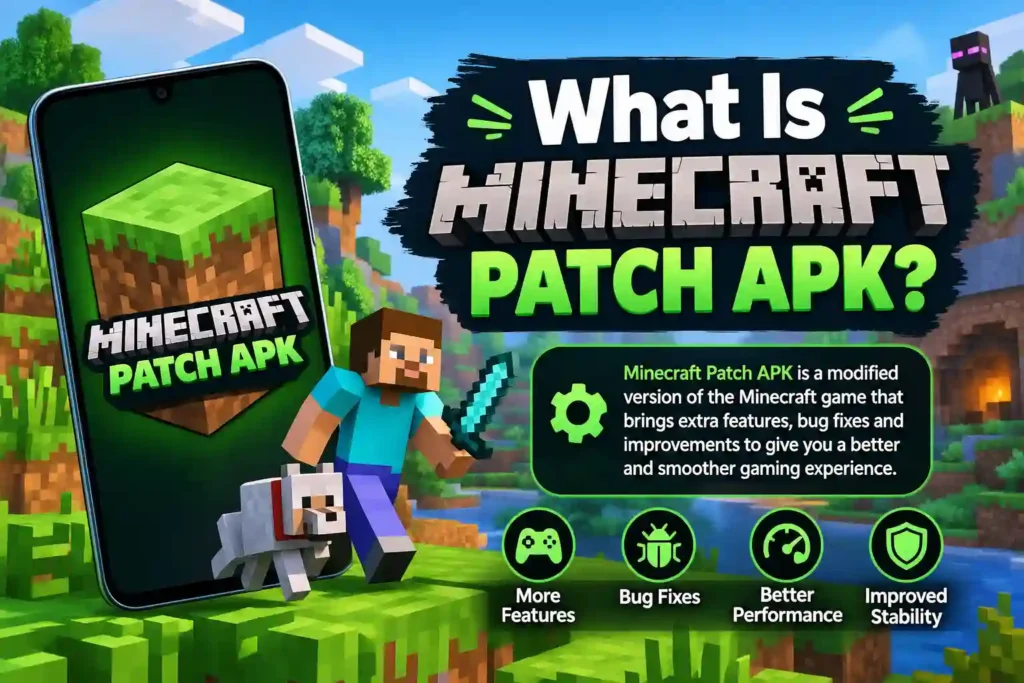
What Is Minecraft Patch APK?
Minecraft Patch APK refers to an Android application package associated with a patched or updated version of Minecraft. The term “patch” can refer to changes, fixes, improvements, or modifications included in a particular release.
Users can search for the Minecraft Patch APK by using the app name, version, or other relevant keywords. Different APK releases may contain different features, requirements, and compatibility details.
How Does Minecraft Patch APK Work?
The basic concept is straightforward: find the required APK version, review its information, and make sure it is compatible with your Android device before installation.
Search for the APK
Start with the Minecraft Patch APK name or a few specific keywords. Using a version number or other identifying information can help narrow the results.
Check APK Information
Before downloading, review the available information such as version, file size, Android requirement, and source.
Review the Source
APK files may be hosted on third-party websites. Check the source carefully before opening or installing the file.
Install the APK
Once you have confirmed that the APK is compatible and comes from a trustworthy source, follow the available Android installation process.
Minecraft Patch APK Version and Update Information
When evaluating a Minecraft Patch APK, useful information includes the application version, release or update date, package size, developer information, and Android compatibility.
Users should check these details from a trustworthy source instead of assuming that information from an older APK listing still applies to the current release.
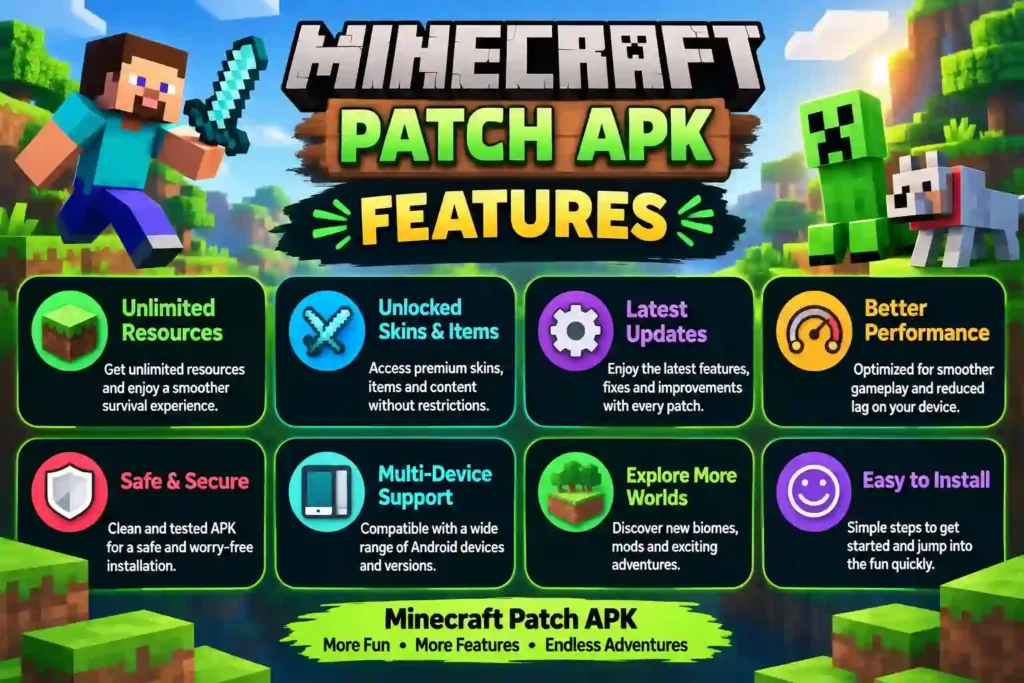
Minecraft Patch APK Features
Minecraft Gamepla
Minecraft provides a sandbox-style experience where players can explore environments, collect resources, build structures, and create different projects.
Building and Creating
Players can use available blocks and resources to create houses, bases, landscapes, and other structures.
Exploration
Minecraft allows players to explore different environments and discover resources and locations throughout the game.
Android Access
Minecraft Patch APK can be used on compatible Android devices. Performance and availability may depend on the particular APK version and Android device.
Updated Experience
Different Minecraft releases may include fixes, improvements, compatibility changes, or other adjustments. Users should check the information for the specific version they plan to install.
Minecraft Patch APK Specifications
The following are some of the main specifications users may want to check:
Because app specifications can change, users should verify the current values from a reliable source before installing or updating the application.
How to Use Minecraft Patch APK on Android
Install or Open Minecraft
If you are using an APK, make sure the application comes from a trustworthy source. Review the APK information before proceeding with installation.
Start Minecraft
After installation, open the application on your compatible Android device.
Explore the Game
Use the available game options to explore, build, create, and interact with the Minecraft environment.
Check for Updates
Check the current version information when a newer release becomes available.
Is Minecraft Patch APK Safe to Use?
Safety depends on the source and the specific APK file you choose to access. A search result or third-party website should not automatically be treated as a guarantee that the linked file is safe.
Before opening or installing Minecraft Patch APK, check where the file came from and whether the APK information appears legitimate.
Check APK Sources
Pay attention to the website or source associated with the APK. Unexpected redirects or misleading download buttons are reasons to stop and reassess.
Protect Your Device
Keep your Android operating system and security protections updated. Avoid files that appear suspicious or have an unexpected format.
Review APK Files Carefull
Before installing Minecraft Patch APK, verify the application identity, version, source, and other available information.
Copyright and Responsible Use
Minecraft and its related content are protected by applicable intellectual-property rights. Users should respect the game’s licensing terms and applicable laws when downloading, installing, or using APK files.
Final Words
Minecraft Patch APK is a keyword used by Android users looking for information about Minecraft APK versions, patches, updates, and installation. Before installing any APK, check the source, application version, Android compatibility, and file information carefully.
Minecraft Patch APK is a useful source for information about Minecraft APK, features, updates, Android compatibility, and installation. Explore our website to learn more about Minecraft and find helpful APK-related information.